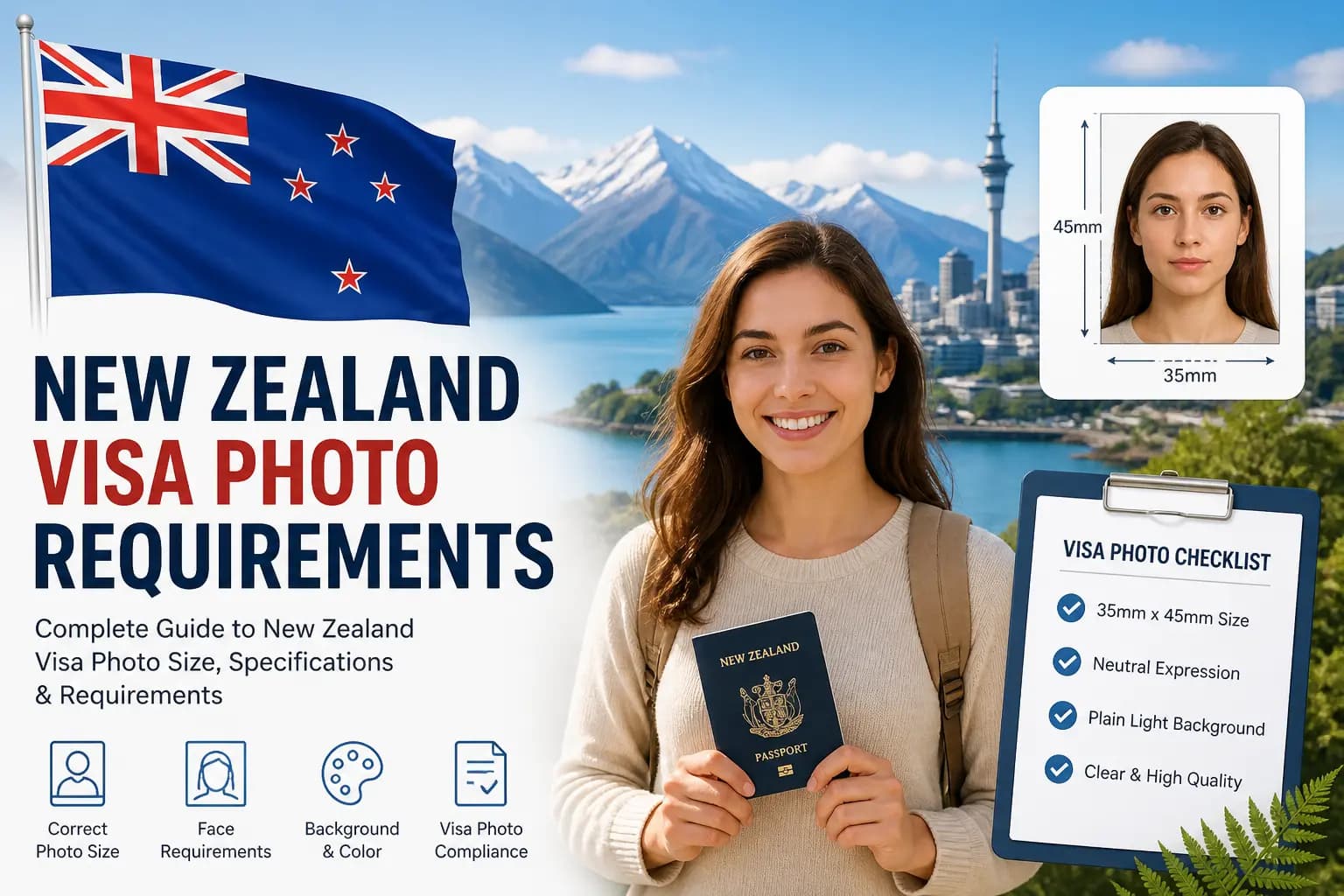
New Zealand Visa Photo Requirements 2026 — The Complete Official Guide
Whether you are applying for a New Zealand visitor visa, a work visa, a student visa, or a New Zealand Electronic Travel Authority (NZeTA), one of the most overlooked steps is getting your photo right. Immigration New Zealand (INZ) uses automated face-recognition systems to verify uploaded photos, and photos that do not meet their technical standards will cause your application to be delayed — or in some cases, declined entirely.
Every requirement on this page is sourced directly from the official Immigration New Zealand photo standards page. We have not added our own interpretation — only clear explanations of what the government requires.
⚠️ 2026 Update: AI-Edited Photos Are Explicitly Banned
Immigration New Zealand has added a specific warning to their official photo page: photos that are AI-enhanced or digitally altered do not meet their standards. If INZ detects that your photo has been edited using AI tools, your visa or NZeTA application will be delayed or could be declined. This applies to filters, face-slimming, skin smoothing, background replacement, and contrast adjustments.
Quick Reference: New Zealand Visa Photo Specifications at a Glance
| Specification | Online / Digital Application | Paper-Based Application |
|---|---|---|
| Photo size | 3:4 portrait aspect ratio (no fixed mm dimension) | 35 mm wide × 45 mm high |
| File format | JPG or JPEG only | Physical print (paper form instructions apply) |
| File size | 512 KB minimum — 3.14 MB maximum | Up to 10 MB if submitted by professional photographer |
| Face coverage | 70% to 80% of the image | 70% to 80% of the image |
| Recency | Taken within the last 6 months | Taken within the last 6 months |
| Glasses | Allowed (prescription, clear, no glare, no heavy frames) | Allowed (same rules) |
| Background | Neutral and plain — no objects or other people | Neutral and plain |
| Expression | Neutral, mouth closed, looking straight at camera | Neutral, mouth closed |
| AI/digital editing | ❌ Strictly prohibited — grounds for application delay or decline | ❌ Strictly prohibited |
| Selfies | Only allowed in the NZeTA mobile app | Not applicable |
| Official source | Immigration New Zealand — immigration.govt.nz | |
Photo Size: Digital vs Paper Applications
New Zealand's photo size requirement differs depending on whether you are applying online or using a paper application form — and this is one of the most common sources of confusion.
For online visa and NZeTA applications: Immigration New Zealand does not specify a fixed dimension in millimetres. Instead, they require the photo to be taken in portrait mode with a 3:4 aspect ratio. This means the height of the image must be 1.33 times its width. A standard 3:4 photo taken on a smartphone in portrait orientation meets this requirement, provided it also meets all the other specifications below. The file must be between 512 KB and 3.14 MB and in JPG or JPEG format.
For paper-based visa applications: The print must be 35 mm wide and 45 mm high — this is the standard international passport photo format also used by Australia, Canada, the UK, and Schengen countries. Additional instructions for paper submissions are found on the paper application forms themselves.
📱 NZeTA Selfie Exception
Selfies are only acceptable if you are applying for a New Zealand Electronic Travel Authority (NZeTA) through the official mobile app, and only when the app gives you no other option. If you do take a selfie, Immigration New Zealand advises stretching your arm out as far as possible, holding the phone at eyebrow height, and ensuring the light source is behind the phone rather than behind your face. For all other online visa applications, selfies are not permitted.
The No-AI-Editing Rule — What Exactly Is Prohibited?
Immigration New Zealand is explicit about this on their official photo standards page. The photo must be natural and unaltered. The following edits are all prohibited, even minor ones:
- Changing the colour, brightness, contrast, or sharpness of the image
- Cropping your head and shoulders to place them on a plain background (background replacement)
- Changing your facial features — including the size, shape, or colour of eyes, nose, ears, mouth, cheekbones, or eyebrows
- Skin smoothing or face slimming
- Digitally removing objects from the photo, especially around your face — glasses, jewellery, headbands, hats, or toys
- Applying filters or beautification features
- Using any AI editing tool
INZ also specifically warns that if your phone automatically applies filters or alters photos when you take them, you must turn this feature off before taking your visa photo. Many modern smartphones apply skin smoothing or portrait-mode effects by default — these must be disabled.
Face Positioning and Coverage
Your face must cover between 70% and 80% of the image and must be centred in the frame. This is the same face coverage range required by Schengen countries and similar to Australia's 75–80% standard, but notably wider than the US requirement of only 50–69% coverage.
Specifically, Immigration New Zealand requires:
- You are looking straight at the camera — not turned to the side or on an angle
- Your expression is neutral and your mouth is closed
- Your eyes are open
- The image is in focus and not blurry
Hair, Head Coverings, and Ears
Your hair must not cover your face or ears. The photo must show your ears unless you wear a scarf for religious or medical reasons. Head coverings must be removed unless they are worn for religious or medical reasons. If you wear a religious head covering, it must not cover your mouth or the sides of your face — your full facial features from forehead to chin and ear to ear must be visible.
Glasses Rules
New Zealand is more permissive about glasses than Australia, the United States, or the UK. You can wear prescription glasses in your New Zealand visa photo, provided:
- The lenses are clear — no tinted lenses and no sunglasses
- The frames are not heavy and do not cover your face
- There is no glare or reflection in the photo from the lenses
Immigration New Zealand notes that if you are having issues with glare or reflection, it is best to remove your glasses for the photo.
| Country | Glasses Policy |
|---|---|
| 🇳🇿 New Zealand | ✅ Allowed — clear lenses, no glare, no heavy frames |
| 🇨🇦 Canada Visa | ✅ Allowed — clear lenses, no glare |
| 🇦🇺 Australia | ❌ Not permitted |
| 🇺🇸 United States | ❌ Not permitted (since 2016) |
| 🇬🇧 United Kingdom | ❌ Not permitted |
| 🇪🇺 Schengen | ⚠️ Not recommended — most consulates reject them |
Lighting and Background
Lighting: There must be no shadows on your face or on the background. Your face must have good contrast against the background. Immigration New Zealand recommends standing 0.5 metres away from the background, with the photographer positioned 1.5 metres in front of you.
Background: The background must be neutral and plain. It should show only you — no other people, objects, or distracting elements. INZ specifically warns that patterned clothing (such as t-shirts with images or busy patterns) and flowery or patterned backgrounds can create technical issues with their automated face-recognition system.
Notably, unlike Australia (which specifies white or light grey) or the UK (which specifies cream or light grey), Immigration New Zealand does not mandate a specific background colour — only that it is neutral and plain. In practice, a plain white or light grey background is the safest choice as it provides maximum contrast with most skin tones and avoids the patterning issue.
Common Mistakes That Get New Zealand Visa Photos Rejected
- Using a photo taken more than 6 months ago — INZ requires the photo to reflect your current appearance
- Uploading a HEIC or PNG file — only JPG/JPEG is accepted for online applications
- File size below 512 KB — too small is rejected, not just too large
- File size above 3.14 MB — exceeds the digital upload limit (note: professional photographer submissions have a higher 10 MB limit)
- Using an AI background replacement tool — even if the result looks natural, it is explicitly prohibited
- Face covering less than 70% of the image — a common outcome of taking photos at arm's length
- Submitting a selfie for a visa (not NZeTA) application — selfies are only allowed in the NZeTA mobile app
- Leaving phone beauty filters active — many phones apply smoothing by default; this must be turned off
- Shadows on face or background — poor lighting is one of the most common automated rejection triggers
- Head turned or at an angle — you must face directly forward, not at a slight angle
New Zealand Visa Photo vs NZeTA Photo — Is There a Difference?
No. The same photo standards apply to both standard visa applications and NZeTA applications. The only difference is the selfie exception: selfies are only permitted when applying for a NZeTA via the official NZeTA mobile app, and only when that is the submission method the app requires. For all other submission methods — including desktop web applications — the same non-selfie photo standards apply.
New Zealand vs Australia vs Schengen — Key Differences
| Specification | 🇳🇿 New Zealand | 🇦🇺 Australia | 🇪🇺 Schengen |
|---|---|---|---|
| Digital size | 3:4 portrait ratio | JPEG, no fixed ratio specified | 35×45mm equivalent |
| Paper size | 35×45mm | 35–40×45–50mm | 35×45mm |
| Max file size (digital) | 3.14 MB | 5 MB | Varies by consulate (~240 KB–1 MB) |
| Min file size | 512 KB | Not specified | Not specified |
| Face coverage | 70–80% | 75–80% | 70–80% |
| Glasses | ✅ Allowed (conditions) | ❌ Not permitted | ⚠️ Not recommended |
| Background colour | Neutral and plain (no colour specified) | White or light grey | Light grey / neutral |
| Recency | 6 months | 6 months | 6 months |
| File format | JPG/JPEG only | JPEG | JPEG |
| AI editing | ❌ Explicitly prohibited | ❌ Not permitted | ❌ Not permitted |
Using a Professional Photographer
Immigration New Zealand states on their official website that they are more likely to accept your photo if it is taken by a professional photographer. When using a professional, the file size limit is raised from 3.14 MB to 10 MB. Make sure the photographer is familiar with INZ's requirements before they take your photo — not all passport photographers are aware of the specific 3:4 ratio and minimum file size requirements that INZ enforces.
✅ Official PDF from Immigration New Zealand
Immigration New Zealand publishes a downloadable PDF guide for photographers titled "Taking acceptable visa photos." This can be shared with your photographer before the session. It is available in English and Simplified Chinese from the official INZ website.
Complete New Zealand Visa Photo Checklist — Before You Upload
- ☐ Photo taken within the last 6 months
- ☐ File is JPG or JPEG format (not PNG, HEIC, or TIFF)
- ☐ File size is between 512 KB and 3.14 MB (or up to 10 MB if from a professional photographer)
- ☐ Aspect ratio is 3:4 portrait (height is 1.33× the width)
- ☐ Face covers 70%–80% of the image
- ☐ Face is centred and looking directly at the camera
- ☐ Expression is neutral — mouth closed, eyes open
- ☐ Head is straight, not tilted or turned
- ☐ Ears are visible (unless covered for religious or medical reasons)
- ☐ No head coverings (unless for religious or medical reasons)
- ☐ If wearing glasses: clear lenses, no heavy frames, no glare
- ☐ Background is neutral and plain — no objects, patterns, or other people
- ☐ No shadows on face or background
- ☐ No filters, AI edits, skin smoothing, or brightness adjustments applied
- ☐ Phone auto-beauty or portrait mode has been turned off
- ☐ Photo is not a photo of a photo (no screen captures of existing photos)
Official Source
Get a compliant New Zealand visa photo — free
Check your photo meets INZ's 3:4 ratio, 70–80% face coverage, and JPEG format requirements.
Powered by PixPassport
Avoid Passport & Visa Photo Rejections
Our automatic AI tool fixes background shadows, crops to exact millimeter specs (2x2" or 35x45mm), and guarantees 100% biometric compliance.
Create & Fix My Photo Now