Create Canada Passport Photo Online & Canada Visa Photo Checker
Create and check your Canadian passport & IRCC visa photo online in under a minute — free to try
Automated biometric checks against official Canadian government rules — 50×70 mm & 35×45 mm sizing, chin-to-crown 31–36 mm, background removal, and face alignment processed instantly.
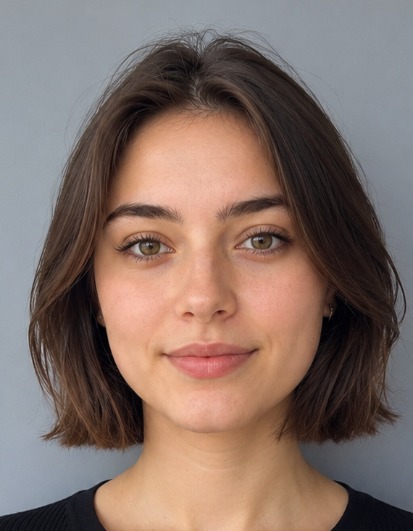
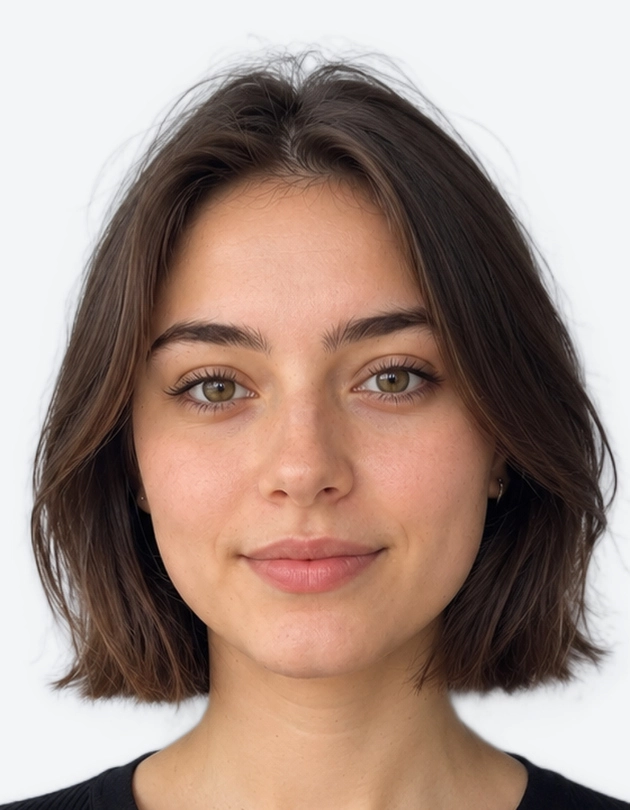
IRCC & Passport Program · 50 × 70 mm · Plain White BG · Print & Digital
Select Document Type
Canada (IRCC) specs first, plus passport & visa photos for other countries
Upload Your Photo
JPEG, PNG or WEBP · Max 15 MB
Drag & Drop portrait photo here
Or click to browse from device · Free preview
4-Step Canada Photo Processing Pipeline
From raw selfie to biometric verification, 50×70 mm / 35×45 mm compliance, and print-ready output.
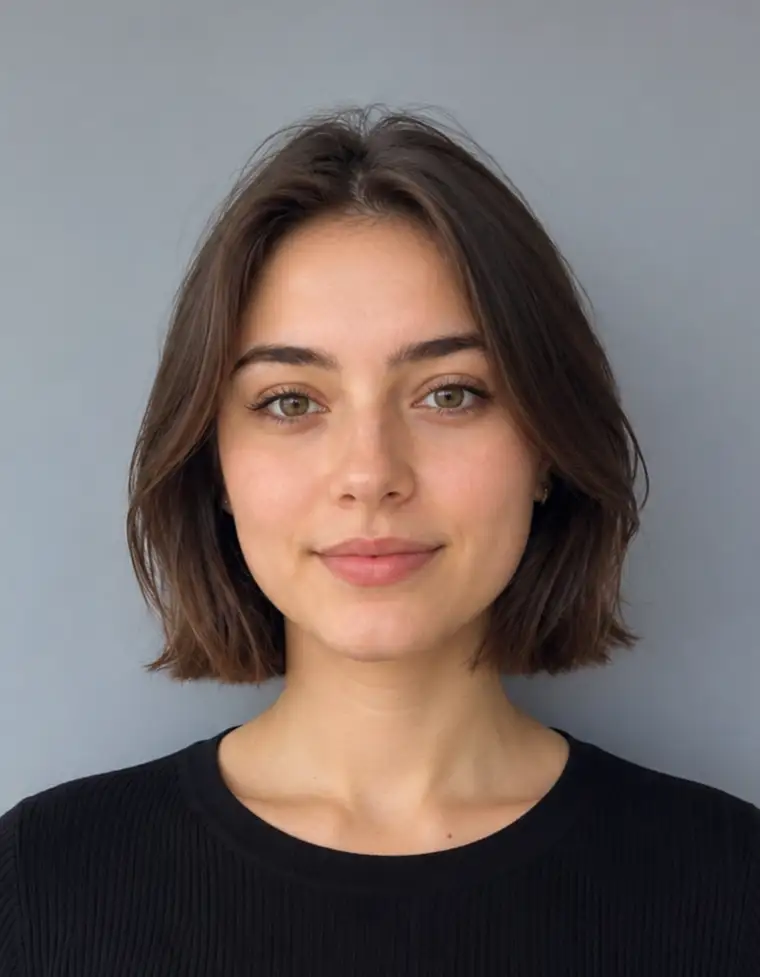 STEP 1
1. Camera Upload
Casual selfie or portrait photo from any smartphone.
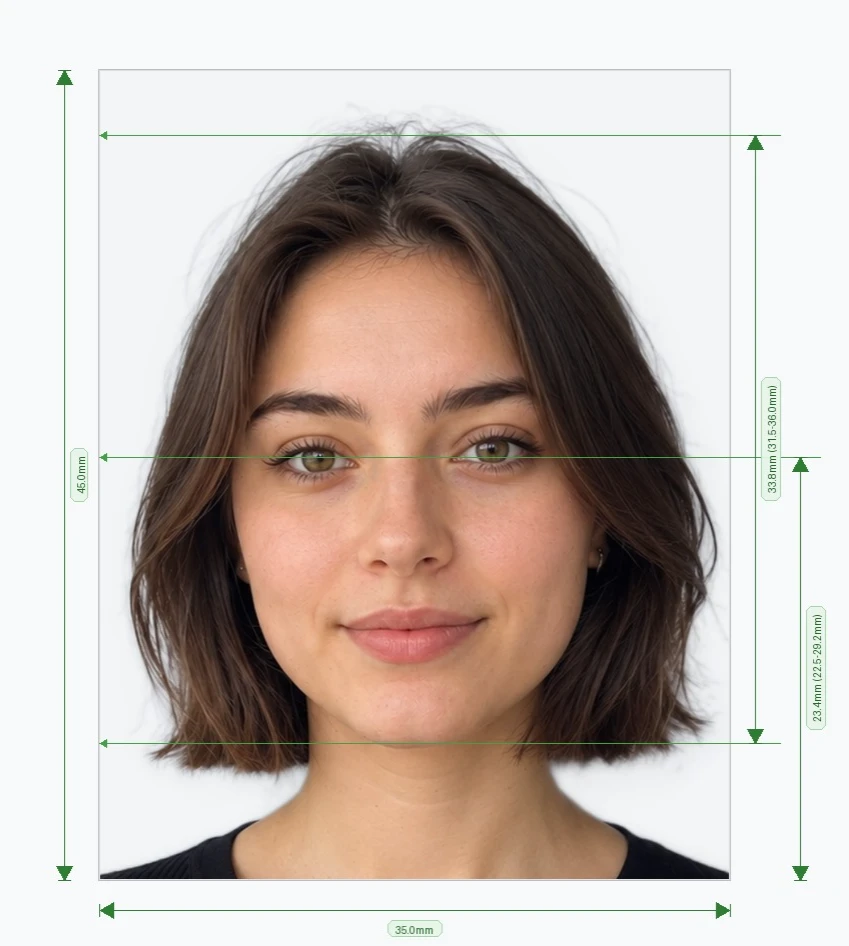 STEP 2
2. Biometric Scan
Chin-to-crown (31–36 mm) & eye position AI scan.
STEP 33. Compliant 50×70mm
Plain white background & 100% IRCC ready.
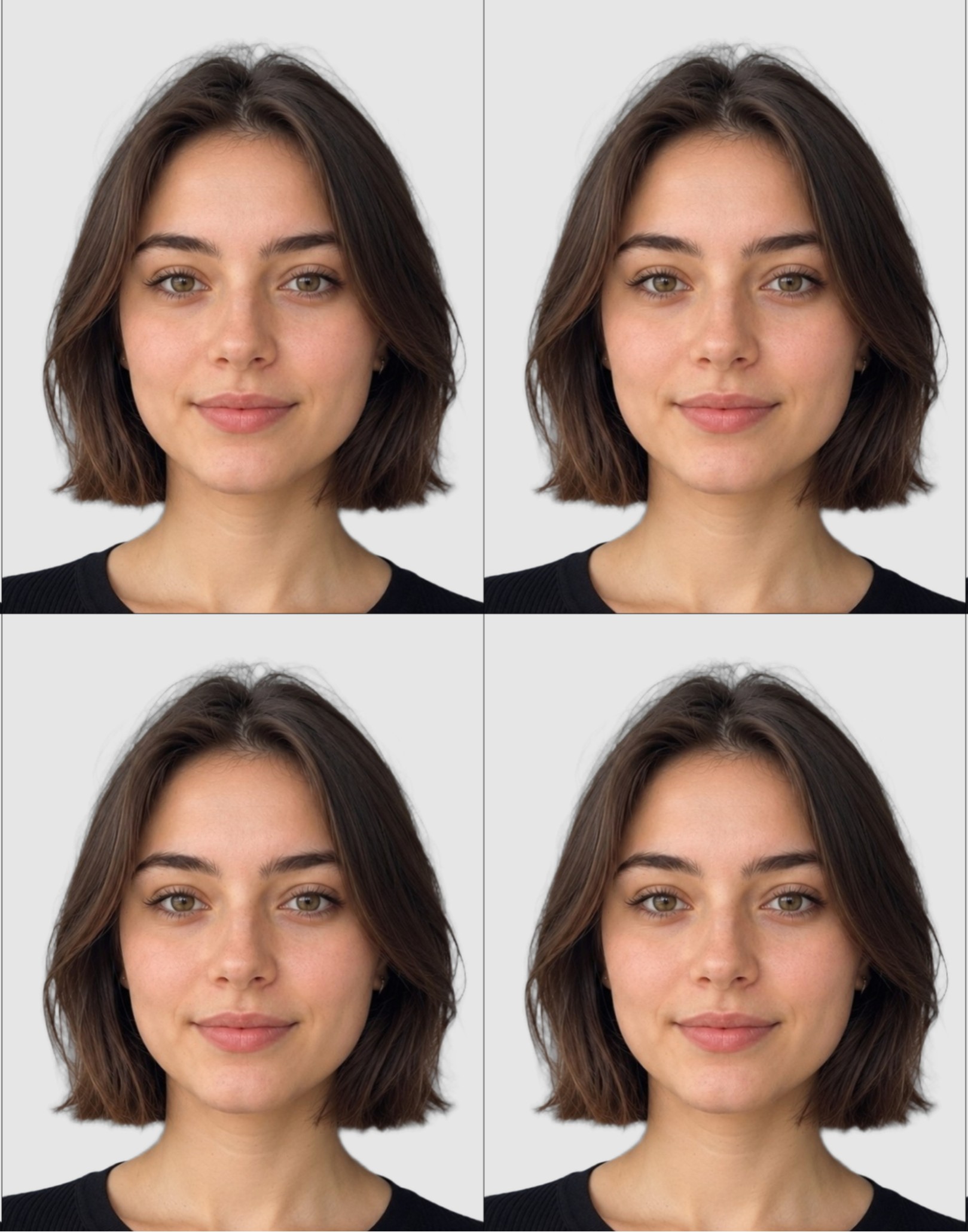 STEP 4
4. Print Sheet / Digital JPEG
Print-ready copy for Shoppers Drug Mart, Walmart, or home.
Verified Against Official Canadian Authorities
Rules sourced directly from IRCC, Service Canada, RCMP, and ICAO publications.
Official Canadian standards for 50×70 mm passport photos and guarantor requirements.
Official specifications for Temporary Resident Visas (TRV), Study/Work Permits, and PR cards.
Official photo guidelines for Canadian Possession and Acquisition Licence (PAL) cards.
Global biometric standard enforced across all Canadian machine-readable travel documents.
Canada Passport Photo Online Requirements
Photo size must be exactly 50 millimetres (mm) wide × 70 millimetres (mm) high (2 inches × 2 3/4 inches).
A close-up of your head and shoulders so that your face, from the bottom of your chin to your crown, is between 31 mm and 36 mm high (44% to 51% of photo height).
Automated Biometric Sizing:
You don't need to manually measure millimeters. Our online tool crops and aligns your photo to exact Canadian specifications automatically.
How to Take a Canadian Passport Photo at Home
Follow these official Canadian Passport Program photo guidelines using any digital camera or smartphone:
- ✓Passport photo must be in full color (24-bit sRGB).
- ✓Plain, solid white or light-coloured background with no decorations or patterns.
- ✓Look straight at the camera. Both sides of the face and ears should be visible.
- ✓Neutral facial expression with mouth closed and no smiling.
- ✓Both eyes fully open and looking directly into the camera lens.
- ✓No hats or headgear except for verified religious or medical reasons.
- ✓Remove eyeglasses if possible. No glare, tint, or thick frames allowed.
- ✓Forehead and eyebrows clearly visible — do not cover with bangs or hair.
- ✓No shadows on face, under chin, or behind head on the background.
- ✓Taken within the last six (6) months of application.
Lighting and Positioning Tips
☀️ Bright Natural Light
Take the photo facing a window for natural, even illumination across both sides of the face.
📏 Stand 1–1.5 Metres Away
Stand about 3–4 feet from the wall to prevent casting a shadow on the background.
📷 Camera at Eye Level
Position the camera directly at eye level to eliminate perspective distortion.
🖼️ Leave Headroom
Leave ample space around your head and upper shoulders so our AI can accurately position the 31–36 mm facial crop.
Canada Passport & Document Guides
Step-by-step guides on Canadian passport, visa, PR card and citizenship photo rules.
Canada PR Card Photo Requirements and Size
Canada PR card photo requirements: 50x70mm size, 31-36mm face height, two identical photos and a plain background. Check your photo online before you apply.
Canada Visa Photo Size and Requirements (35×45 mm)
Canada visa photo size is 35x45mm, not the 50x70mm passport format. See the face-size, background and age rules for TRV, study and work permit photos.
Canada Passport Photo: Requirements, Size & Guidelines
Complete guide to Canadian passport photo requirements: 50x70mm size, chin-to-crown 31-36mm, white background, glasses, guarantor rules, PR card and citizenship photo specs.