Driving Licence Photograph Maker: Online Photo Sizing & Cropping
Crop, remove background, and format your driving licence photo in 30 seconds
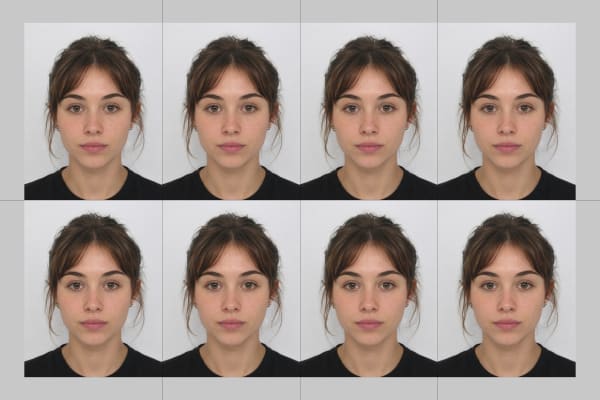
Automated AI cropping to official 35×45 mm (UK, EU, Australia, India) and 2×2 in (US DMV) dimensions with pure light/white background, centered eye line, and correct head height.
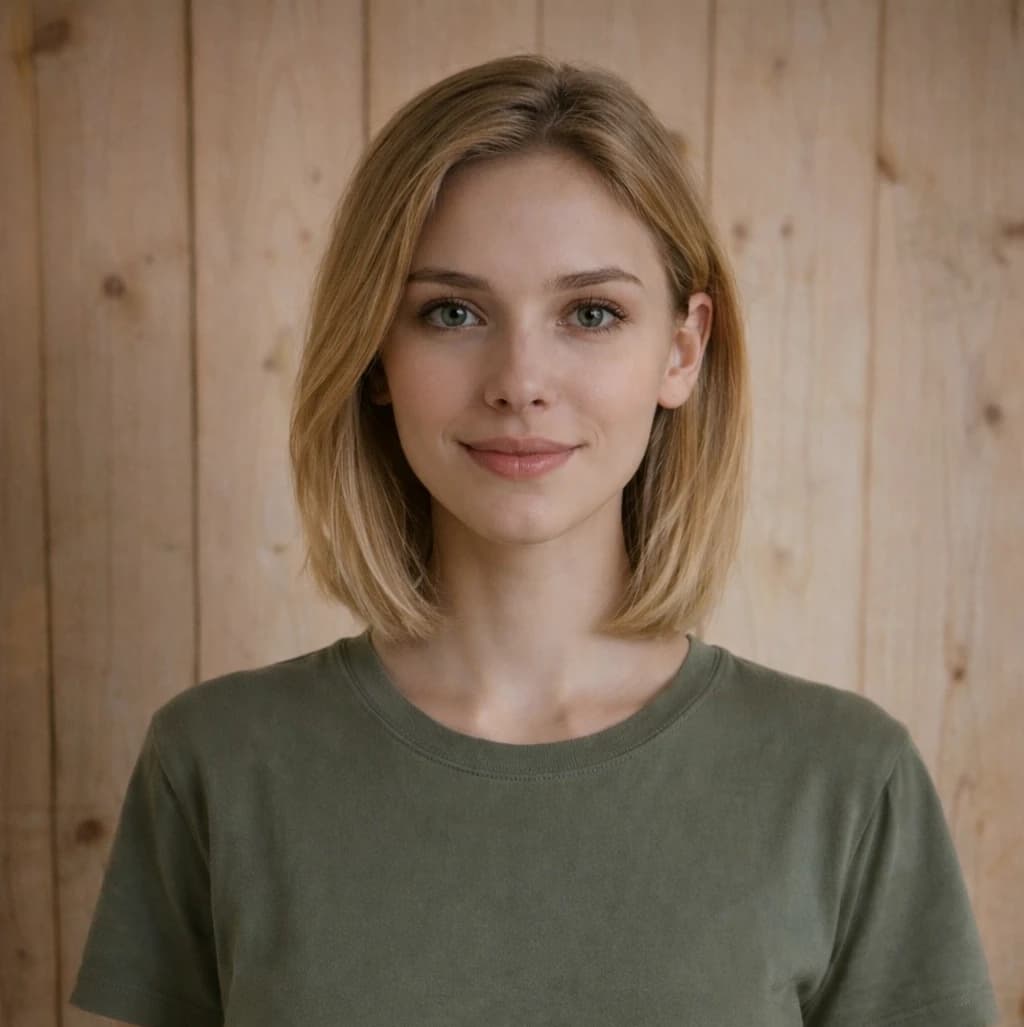
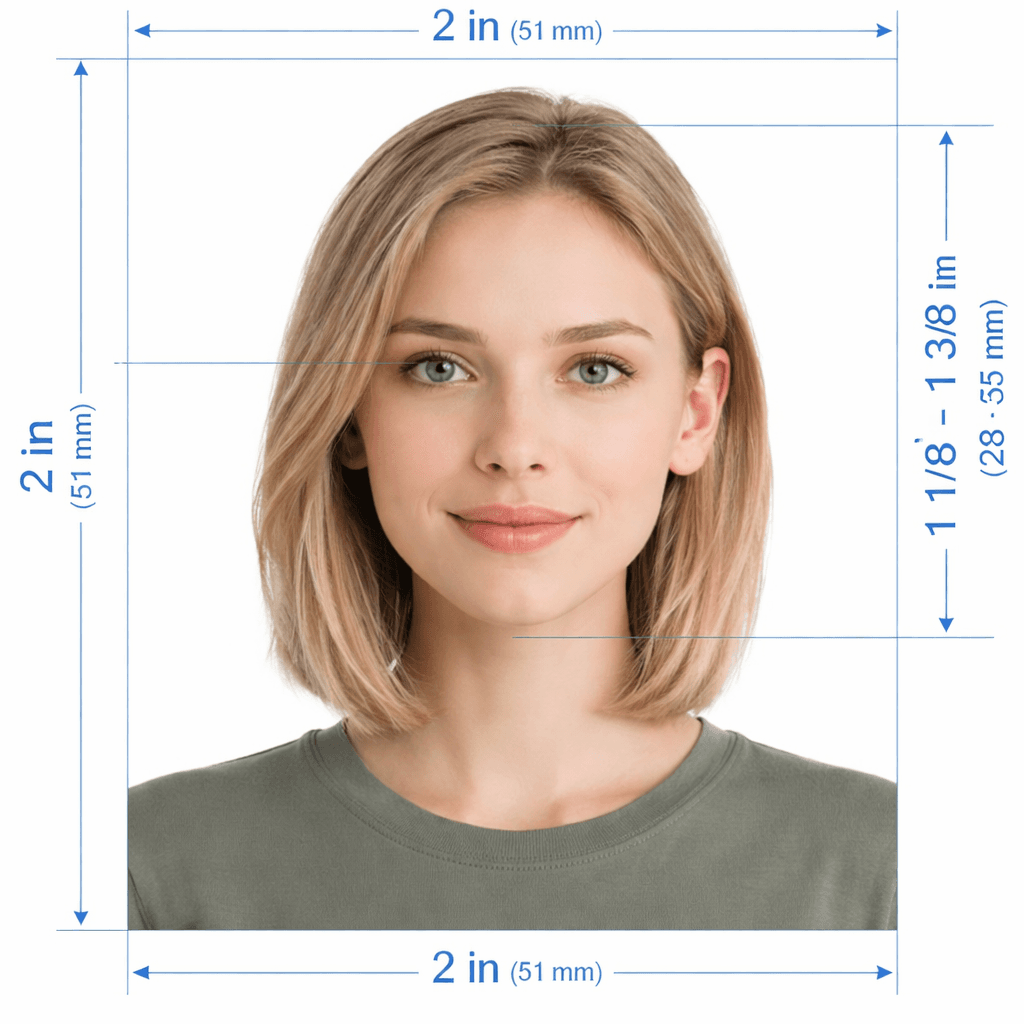
Processed · Background removed · Sized to spec · Print-ready
See your driving licence photo transform
From casual snapshot to official compliant driving licence portrait with automatic background fix and sizing.
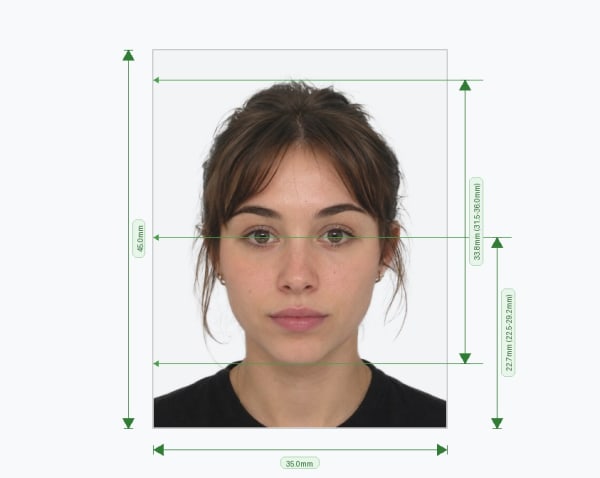
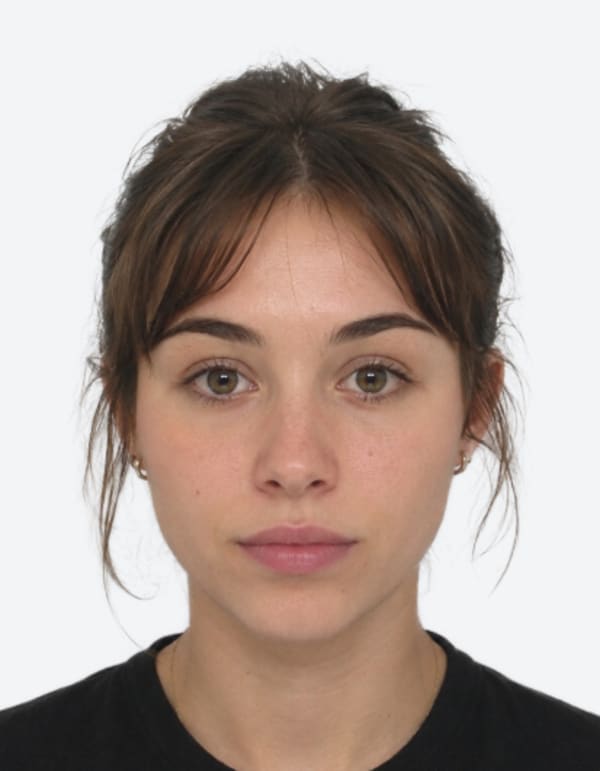
Upload & Format Your Driving Licence Photo
Select your country standard and upload your portrait. We'll size, crop, and check it against official licensing rules.
Click to upload or drag & drop
Supports JPG, PNG, WEBP, or HEIC from any smartphone or camera
How to create your driving licence photo online
Follow our easy 5-step automated workflow to generate an official compliant photo ready for renewal or appointments.
Upload Portrait
Upload a casual portrait or selfie taken with your phone or camera against any plain wall.
AI Biometric Scan
Our software verifies facial landmarks, lighting uniformity, head ratios, and no-glasses compliance.
Auto-Crop & Background
We crop to the exact 35×45 mm or 2×2 in size and replace background with plain white/light grey.
Affordable Pricing
Affordable one-time fee starting at $2.99 with a 100% government acceptance guarantee.
Download & Print
Get digital JPEG for online applications and a 4×6 print sheet with 4–8 photos for under $0.50.
Global Driving Licence Photo Specifications
Strict parameters enforced by UK DVLA, US DMV, EU member states, Australia, and international permit issuers.
Common Reasons Driving Licence Photos Get Rejected
Learn what causes photos to fail at licensing counters and how our automated engine corrects them.
Eyeglasses Glare & Reflections
Lens reflections and heavy frames obscure the eyes and pupils, violating biometric licensing rules.
Shadows Behind Head or on Face
Uneven lighting casts dark patches that fail automated biometric intake scanners.
Head Too Small or Incorrectly Framed
Standing at the wrong distance leaves head height outside the mandatory millimeter range.
Face Tilted or Off-Center
Looking away from the lens or tilting your head distorts facial symmetry measurements.
How to Take a Passing Driving Licence Photo
Follow these simple tips with any smartphone or digital camera before uploading.
Face a Window in Daylight
Soft natural daytime light removes harsh shadows from your face, nose bridge, and background.
Camera at Eye Level
Have a friend hold the camera 4–6 feet away at eye level. Avoid close-up front-camera selfies.
Wear Contrasting Dark Colors
Choose navy, black, burgundy, or dark green tops. Skip white and light shirts that blend in.
Hair Off Face & Shoulders
Tuck hair behind your ears so both eyes, eyebrows, cheeks, and jawline stay visible.
Neutral, Forward-Facing Pose
Look straight into the camera lens with both eyes open, mouth closed, and relaxed expression.
Remove All Glasses & Hats
Remove eyeglasses, sunglasses, hats, and headphones. Religious coverings allowed if face is clear.
Your Privacy is Guaranteed
We take privacy seriously with automatic data deletion and strict compliance with global privacy standards.
24-Hour Auto-Delete
All original photos are automatically and permanently deleted from our servers after 24 hours.
Expiring Download Links
Download URLs are encrypted and expire after 1 hour. No permanent public access.
GDPR & CCPA Compliant
Full data deletion rights. We adhere to the highest global digital privacy regulations.
No Permanent Storage
We never sell or share your biometric data. Your photographs belong strictly to you.