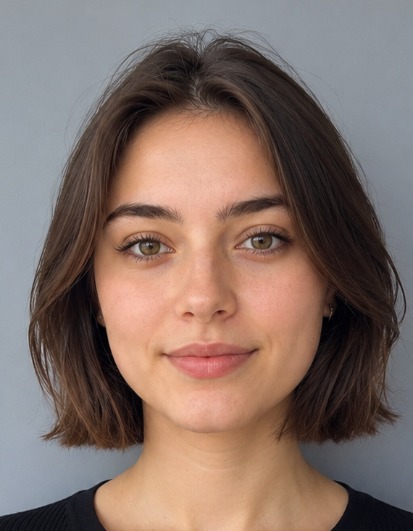
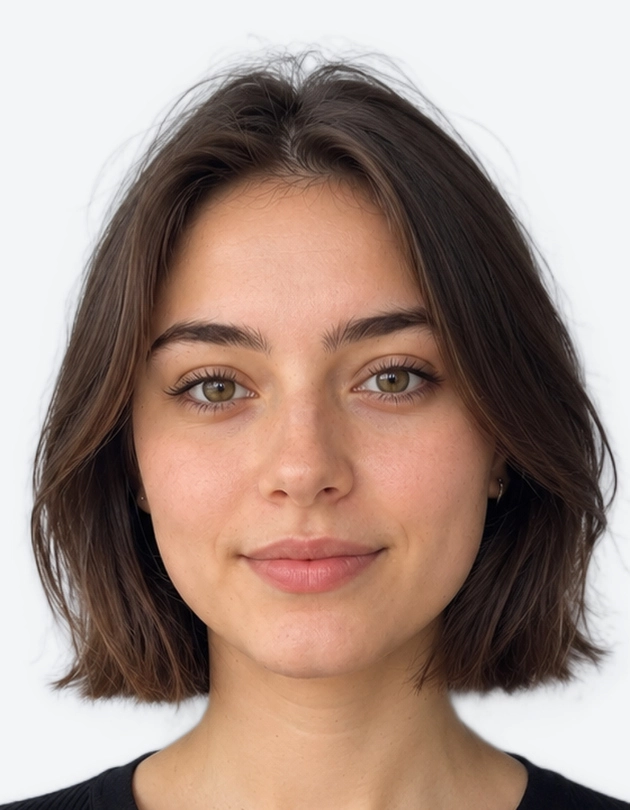
Applying for a provisional licence, renewing your photocard or replacing a lost one? Your photo decides how smoothly the application goes. A shadow, a white background or a badly cropped head can delay your licence by days or weeks.
You do not need a booth or a studio. Our UK driving licence photo maker turns a phone photo into a correctly sized, DVLA-ready image in about a minute. Use the tool above, then upload the file online or print it for a paper D1 form.
1. How to Make Your UK Driving Licence Photo Online
Three quick steps take you from a phone photo to a finished file. Stand in front of a plain wall in good daylight and let the tool do the technical work.
1.1 Step 1: Upload or Take Your Photo
Take a fresh photo or upload a recent one from your gallery. Choose a sharp image where your face is clearly lit and fills a good part of the frame.
1.1.1 Quick tips for a compliant photo
- Face the camera straight on, with your head level.
- Keep a neutral expression and your mouth closed.
- Use soft, even light from in front of you, such as a window.
- Keep your hair away from your eyes and the outline of your face.
- Ask a friend to take the photo, because selfies at arm's length often distort your face.
1.2 Step 2: Auto-Crop to 35 x 45 mm DVLA Size
Our tool then prepares your image to the standard the DVLA expects. It will:
- Crop your photo to 35 x 45 mm.
- Replace your background with a plain light grey shade.
- Position your head so the chin-to-crown height sits within 29-34 mm.
- Centre your face with your head and shoulders in frame.
You get accurate results without a ruler or editing software.
1.3 Step 3: Download and Submit
Preview your photo, then download it. Before you apply, check that it shows a neutral expression, both eyes clearly, no shadows and no filters.
1.3.1 Digital file and print options
- Digital JPEG: made for online upload through gov.uk.
- Printable sheet: a print-ready layout for a paper D1 application. Print it on proper photo paper, because plain paper from a home inkjet printer is not suitable.
2. UK Driving Licence Photo Requirements
The DVLA does not publish a separate photo specification for driving licences in Great Britain. It asks for a passport-style photo, so the UK passport photo standard sets the rules. That is why the size, background and head position below match a passport photo.
2.1 Size, Head Height and File Specs
| Requirement | Detail |
|---|---|
| Print size | 35 mm wide x 45 mm tall |
| Head height | 29-34 mm, chin to crown |
| Colour | Colour only, no black and white |
| Digital format | JPEG |
| Digital resolution | At least 600 x 750 pixels |
| File size | Between 50 KB and 10 MB |
| Edits | No filters, retouching or effects |
Take your photo recently, ideally within the last month, so it shows how you look today. Your photo will appear on your photocard for up to 10 years, so a true likeness matters.
2.2 Background, Lighting and Expression
Follow these rules for the cleanest result:
- Background: plain light grey or cream, with no patterns, textures or objects. Avoid white, which is a very common cause of rejection.
- Lighting: even light across your face, with no shadows on your face or behind you.
- Expression: neutral, with your mouth closed and both eyes open.
- Position: face the camera directly, with no tilt, and keep your head and shoulders in frame.
- Eyes: free of glare and red-eye, with no hair across them.
Our tool swaps in the correct background automatically, so you do not need a studio backdrop at home.
2.3 Glasses and Headwear
Take your glasses off for the photo. The DVLA follows the passport photo standard, which asks applicants to remove glasses unless they cannot for medical reasons. Sunglasses and tinted lenses are never acceptable. Contact lenses are fine.
Hats and caps are not allowed. Religious head coverings are acceptable when your full face stays visible from chin to forehead.
2.3.1 What if you cannot remove your glasses?
If a medical reason means you must keep your glasses on, check these points before you apply:
- The lenses show no glare or reflection.
- The frames do not cover your eyes or cast shadows on them.
- The lenses are clear, with no tint.
Glare is the usual problem, so tilt your head slightly or move away from direct light. Always check the latest wording on the official gov.uk pages, because guidance can change.
3. How to Submit Your Photo to the DVLA
The route depends on how you apply. Most people apply online, which is faster.
3.1 Online Applications
When you apply or renew online through gov.uk, you can often skip the upload. If you enter a valid UK passport number, the DVLA service can usually reuse the digital photo held by HM Passport Office.
You can upload a new photo instead if:
- you do not hold a UK passport,
- your passport photo is old and no longer looks like you, or
- you prefer to use a different image.
Upload the JPEG from our tool and the service will run its own checks on it.
3.2 Paper D1 Applications
For a postal application, attach one recent printed photo at 35 x 45 mm to your D1 form. Follow these rules:
- Print on proper photo paper.
- Do not staple the photo to the form.
- Do not write on the front of the photo.
- You do not need to sign the back of the photo, unlike some passport applications.
Read the instructions on your form as well, because forms are updated from time to time.
3.3 Provisional and Renewal Photos
A first provisional licence uses the same standard as a full licence, with the same size, background and expression rules. There is no separate standard for learner drivers.
Your photocard must be renewed every 10 years so that your photo stays current. Use a new photo each time you renew, and take it before you apply so your appearance is up to date.
4. Why UK Driving Licence Photos Get Rejected
Small mistakes cause most rejections. Check this list before you submit:
- White background instead of light grey or cream.
- Glasses with glare, tint or heavy frames.
- Head size outside the 29-34 mm range.
- Shadows across your face or the background.
- Low resolution, below 600 x 750 pixels.
- Old photo that no longer looks like you.
- Filters or retouching, including beauty modes on your phone.
How to Fix a Rejected Photo
- Retake the photo against a plain, light wall.
- Remove your glasses and check the lighting again.
- Use a recent photo, ideally taken within the last month.
- Re-upload it to the tool above so it is cropped and sized correctly.
- Export the file at 600 x 750 pixels or larger.
5. Why Use Our UK Driving Licence Photo Maker?
Photo booths and shops work, but they cost time and travel. Our tool gives you a faster, more flexible alternative.
- Fast: get a finished photo in about a minute.
- Accurate: the tool applies the 35 x 45 mm size, the 29-34 mm head range and a compliant background for you.
- Flexible: make your photo at any hour, from your phone or computer.
- Complete: download a digital JPEG for gov.uk and a printable sheet for your D1 form.
- Stress-free: retake as many times as you need until you are happy.
Ready to apply? Use the tool above to create your driving licence photo now, then finish your application in minutes.
Always confirm the latest requirements on the official gov.uk website before you submit, because DVLA guidance can change without notice.
6. UK Driving Licence Photo FAQs
6.1 What size photo do I need for a UK driving licence?
Your photo must be 35 mm wide by 45 mm tall, the same as a UK passport photo. Your head should measure 29-34 mm from chin to crown. For online upload, use a JPEG of at least 600 x 750 pixels.
6.2 Can I wear glasses in my driving licence photo?
Take them off if you can. The DVLA points applicants to the passport photo standard, which asks you to remove glasses unless you cannot for medical reasons. If you must keep them on, make sure there is no glare, tint or frame shadow over your eyes.
6.3 Can I use my passport photo for my driving licence application?
Often, yes. When you apply online and enter a valid UK passport number, the DVLA service can usually reuse the photo held by HM Passport Office. If you have no passport, or want a fresh photo, upload a new JPEG from our tool instead.